Limited Beta Access
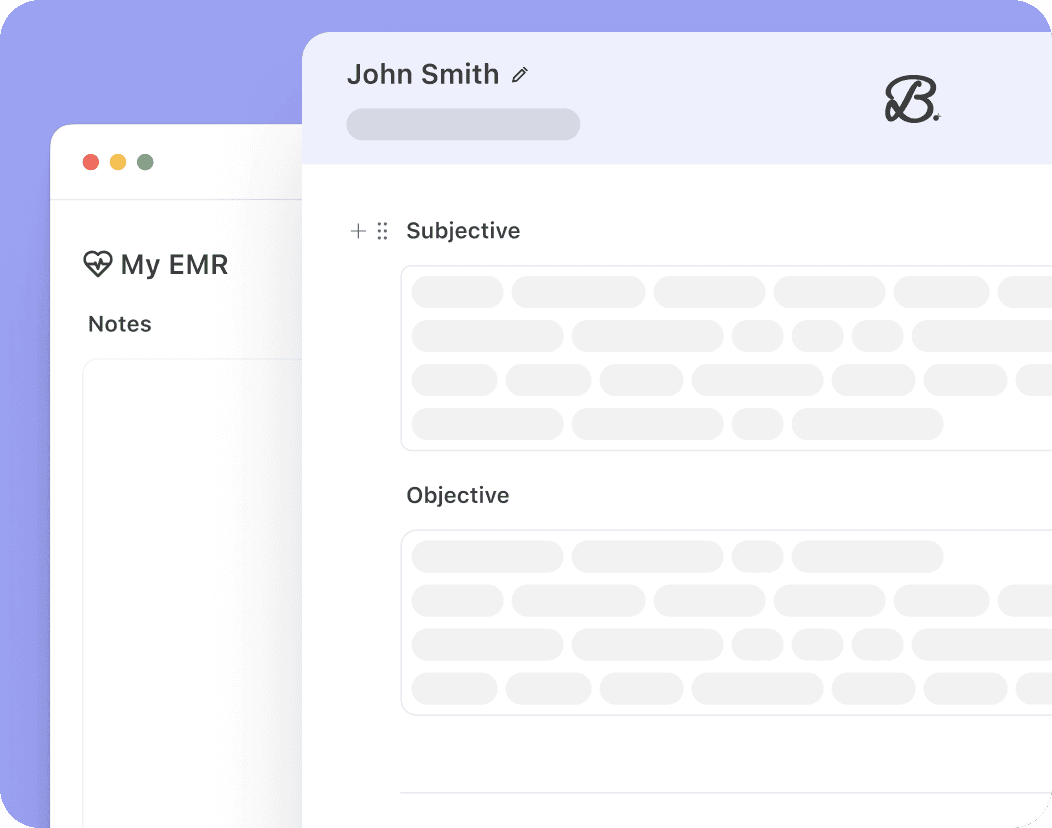
Install the Chrome extension and reach out to get EMR Push early access.
Your notes, in your EMR instantly
Berries helps you transfer completed notes directly into your browser-based EHR in one click, so your workflow stays simple and smooth.

For Mental Health EMR's
Built for leading mental health EMRs, with more coming soon.

Quick set up
Install the Berries Chrome extension to get started.


Built with privacy in mind
HIPAA-compliant, SOC 2 certified, and encrypted.
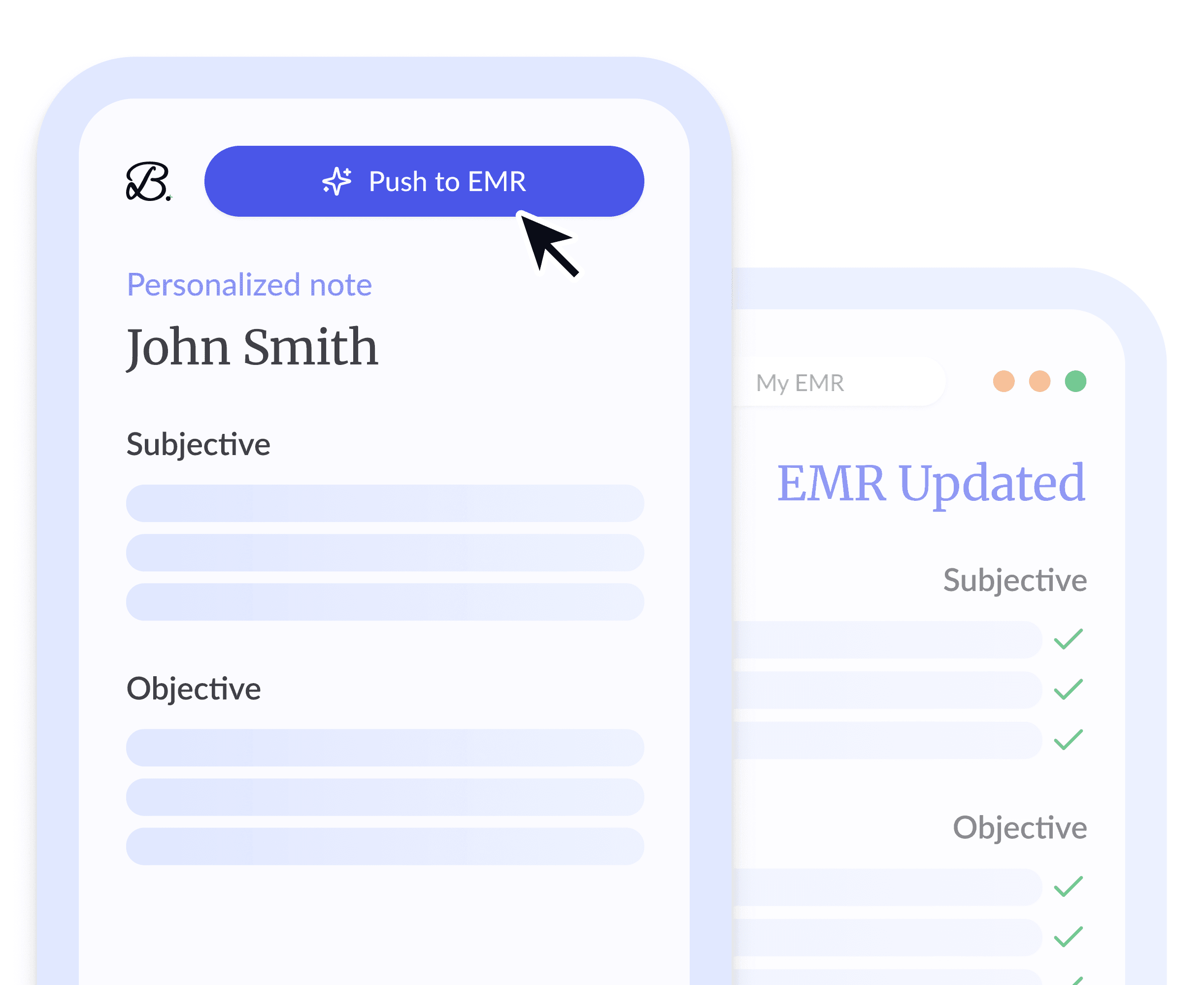
Get started with EMR Push
EMR Push is currently in beta. Reach out to get early access.
Open the Berries extension while using your browser-based EMR.
Capture your session and transfer notes to the EMR in one click.

"I'm hooked. And so are the therapists in my group! We began using @Berries for client notes, making sure we capture what is needed for insurance and Medicaid, treatment plans and summaries for insurance. Not only are the templates easy and notes come out perfect, but the customer support is top notch!"
Dr. Lisa Lovelace
Owner, Psychologist at Synergy eTherapy